


在 Android 上支持 WebGPU
Chrome 团队很高兴地宣布,在搭载 Qualcomm 和 ARM GPU 且运行 Android 12 及更高版本的设备上,Chrome 121 现已默认启用 WebGPU。
我们将在不久的将来逐步扩大支持范围,涵盖更多 Android 设备,包括搭载 Android 11 的设备。此扩展功能将取决于进一步的测试和优化,以确保在更广泛的硬件配置中提供顺畅的体验。请参阅问题 chromium:1497815。
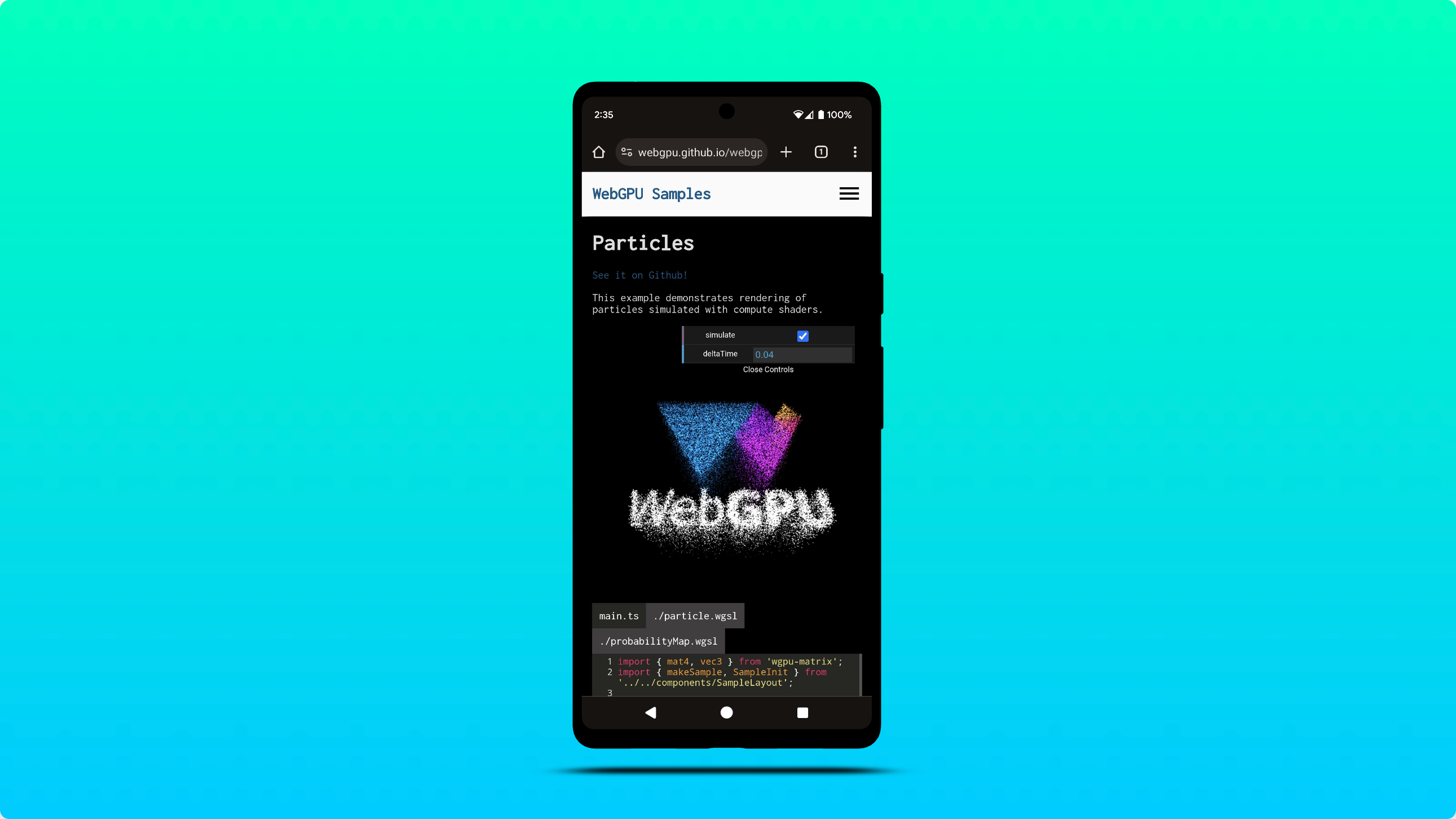
在 Windows 上使用 DXC 而不是 FXC 进行着色器编译
Chrome 现在利用 DXC (DirectX 编译器) 在配备 SM6+ 图形硬件的 Windows D3D12 机器上编译着色器。以前,WebGPU 依赖于 FXC(FX 编译器)在 Windows 上进行着色器编译。虽然 FXC 能够正常运行,但它缺少 DXC 中的特征集和性能优化。
初步测试表明,与 FXC 相比,使用 DXC 时计算着色器编译速度平均提高 20%。
计算和渲染通道中的时间戳查询
借助时间戳查询,WebGPU 应用可以精确(精确到纳秒)测量 GPU 命令执行计算和渲染通道所花费的时间。它们广泛用于深入了解 GPU 工作负载的性能和行为。
如果 "timestamp-query" 功能在 GPUAdapter 中可用,您现在可以执行以下操作:
- 请求具有
"timestamp-query"功能的GPUDevice。 - 创建类型为
"timestamp"的GPUQuerySet。 - 使用
GPUComputePassDescriptor.timestampWrites和GPURenderPassDescriptor.timestampWrites定义在GPUQuerySet中写入时间戳值的位置。 - 将时间戳值解析为具有
resolveQuerySet()的GPUBuffer。 - 通过将结果从
GPUBuffer复制到 CPU 来读回时间戳值。 - 将时间戳值解码为
BigInt64Array。
请参阅以下示例和问题 dawn:1800。
const adapter = await navigator.gpu.requestAdapter();
if (!adapter.features.has("timestamp-query")) {
  throw new Error("Timestamp query feature is not available");
}
// Explicitly request timestamp query feature.
const device = await adapter.requestDevice({
  requiredFeatures: ["timestamp-query"],
});
const commandEncoder = device.createCommandEncoder();

// Create a GPUQuerySet which holds 2 timestamp query results: one for the
// beginning and one for the end of compute pass execution.
const querySet = device.createQuerySet({ type: "timestamp", count: 2 });
const timestampWrites = {
  querySet,
  beginningOfPassWriteIndex: 0, // Write timestamp in index 0 when pass begins.
  endOfPassWriteIndex: 1, // Write timestamp in index 1 when pass ends.
};
const passEncoder = commandEncoder.beginComputePass({ timestampWrites });
// TODO: Set pipeline, bind group, and dispatch work to be performed.
passEncoder.end();

// Resolve timestamps in nanoseconds as a 64-bit unsigned integer into a GPUBuffer.
const size = 2 * BigInt64Array.BYTES_PER_ELEMENT;
const resolveBuffer = device.createBuffer({
  size,
  usage: GPUBufferUsage.QUERY_RESOLVE | GPUBufferUsage.COPY_SRC,
});
commandEncoder.resolveQuerySet(querySet, 0, 2, resolveBuffer, 0);

// Read GPUBuffer memory.
const resultBuffer = device.createBuffer({
  size,
  usage: GPUBufferUsage.COPY_DST | GPUBufferUsage.MAP_READ,
});
commandEncoder.copyBufferToBuffer(resolveBuffer, 0, resultBuffer, 0, size);

// Submit commands to the GPU.
device.queue.submit([commandEncoder.finish()]);

// Log compute pass duration in nanoseconds.
await resultBuffer.mapAsync(GPUMapMode.READ);
const times = new BigInt64Array(resultBuffer.getMappedRange());
console.log(`Compute pass duration: ${Number(times[1] - times[0])}ns`);
resultBuffer.unmap();
出于对时序攻击的担忧,时间戳查询会以 100 微秒的分辨率进行量化,这在精度和安全性之间实现了良好的平衡。在 Chrome 浏览器中,您可以在应用开发期间通过在 chrome://flags/#enable-webgpu-developer-features 处启用“WebGPU 开发者功能”标志来停用时间戳量化。如需了解详情,请参阅时间戳查询量化。
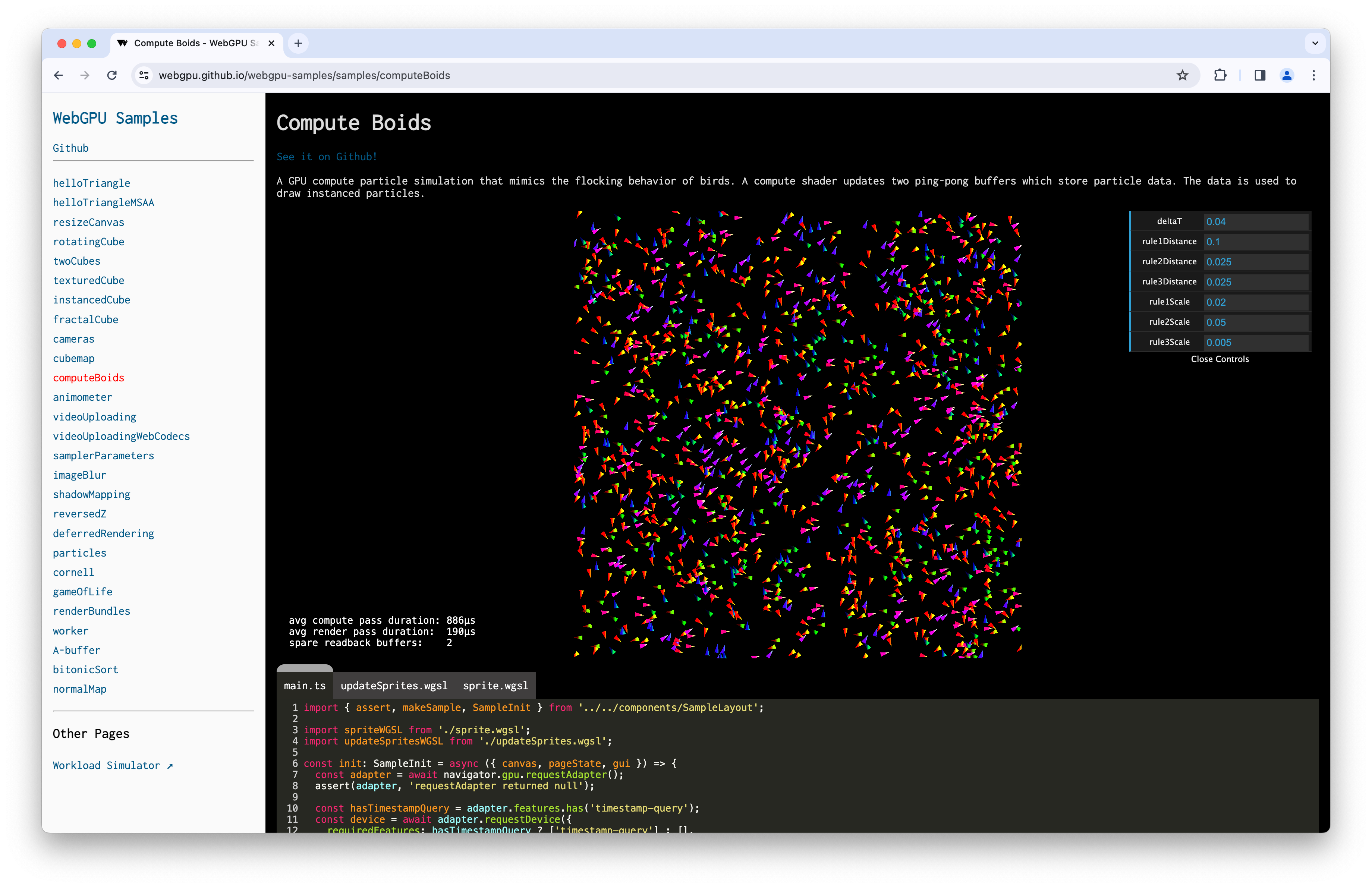
由于 GPU 可能会偶尔重置时间戳计数器,这可能会导致出现意外值(例如时间戳之间的差值为负),因此我建议您查看 git diff(差异比较)更改,该更改为以下 Compute Boids 示例添加了时间戳查询支持。
着色器模块的默认入口点
为了改善开发者体验,您现在可以在创建计算或渲染流水线时省略着色器模块的 entryPoint。如果在着色器代码中未找到着色器阶段的唯一入口点,系统将触发 GPUValidationError。请参阅以下示例和问题 dawn:2254。
const code = `
    @vertex fn vertexMain(@builtin(vertex_index) i : u32) ->
      @builtin(position) vec4f {
       const pos = array(vec2f(0, 1), vec2f(-1, -1), vec2f(1, -1));
       return vec4f(pos[i], 0, 1);
    }
    @fragment fn fragmentMain() -> @location(0) vec4f {
      return vec4f(1, 0, 0, 1);
    }`;
const module = myDevice.createShaderModule({ code });
const format = navigator.gpu.getPreferredCanvasFormat();
const pipeline = await myDevice.createRenderPipelineAsync({
  layout: "auto",
  vertex: { module, entryPoint: "vertexMain" },
  fragment: { module, entryPoint: "fragmentMain", targets: [{ format }] },
  vertex: { module },
  fragment: { module, targets: [{ format }] },
});
支持将 display-p3 作为 GPUExternalTexture 色彩空间
现在,您可以从具有 importExternalTexture() 的 HDR 视频导入 GPUExternalTexture 时设置 "display-p3" 目标色彩空间。了解 WebGPU 如何处理色彩空间。请参阅以下示例和问题 chromium:1330250。
// Create texture from HDR video.
const video = document.querySelector("video");
const texture = myDevice.importExternalTexture({
  source: video,
  colorSpace: "display-p3",
});
内存堆信息
为了帮助您在应用开发期间分配大量内存时预先了解内存限制,requestAdapterInfo() 现在会公开 memoryHeaps 信息,例如适配器上可用的内存堆的大小和类型。只有在 chrome://flags/#enable-webgpu-developer-features 中启用“WebGPU 开发者功能”标志时,才能使用此实验性功能。请参阅以下示例和问题 dawn:2249。
const adapter = await navigator.gpu.requestAdapter();
const adapterInfo = await adapter.requestAdapterInfo();

for (const { size, properties } of adapterInfo.memoryHeaps) {
  console.log(size); // memory heap size in bytes
  if (properties & GPUHeapProperty.DEVICE_LOCAL)  { /* ... */ }
  if (properties & GPUHeapProperty.HOST_VISIBLE)  { /* ... */ }
  if (properties & GPUHeapProperty.HOST_COHERENT) { /* ... */ }
  if (properties & GPUHeapProperty.HOST_UNCACHED) { /* ... */ }
  if (properties & GPUHeapProperty.HOST_CACHED)   { /* ... */ }
}
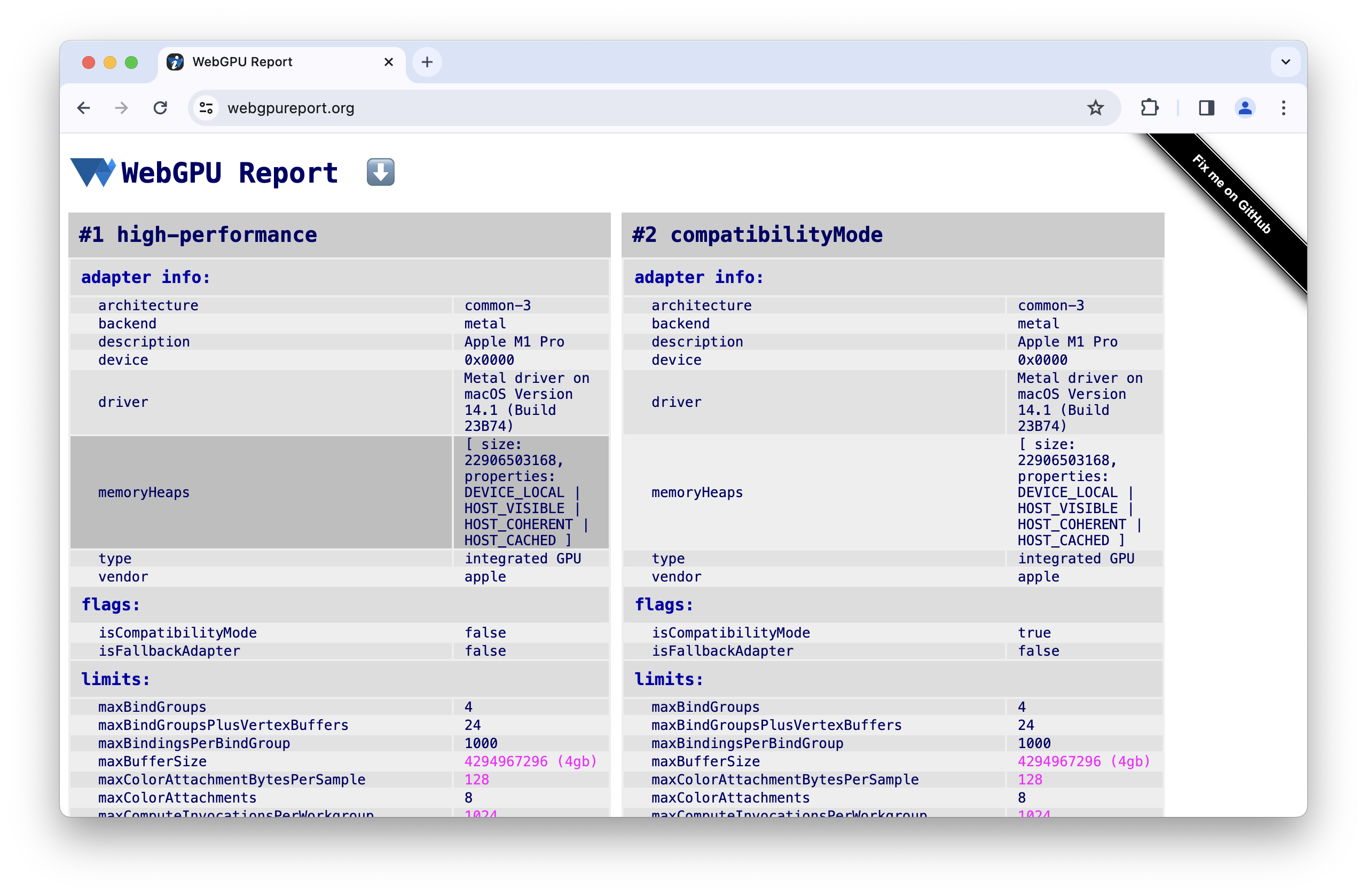 https://webgpureport.org 上显示的适配器信息内存堆。
Dawn 更新
已在 wgpu::Instance 上添加 HasWGSLLanguageFeature 和 EnumerateWGSLLanguageFeatures 方法,以处理 WGSL 语言功能。请参阅问题 dawn:2260。
借助非标准 wgpu::Feature::BufferMapExtendedUsages 功能,您可以创建具有 wgpu::BufferUsage::MapRead 或 wgpu::BufferUsage::MapWrite 以及任何其他 wgpu::BufferUsage 的 GPU 缓冲区。请参阅以下示例和问题 dawn:2204。
wgpu::BufferDescriptor descriptor = {
  .size = 128,
  .usage = wgpu::BufferUsage::MapWrite | wgpu::BufferUsage::Uniform
};
wgpu::Buffer uniformBuffer = device.CreateBuffer(&descriptor);

uniformBuffer.MapAsync(wgpu::MapMode::Write, 0, 128,
   [](WGPUBufferMapAsyncStatus status, void* userdata)
   {
      wgpu::Buffer* buffer = static_cast<wgpu::Buffer*>(userdata);
      memcpy(buffer->GetMappedRange(), data, sizeof(data));
   },
   &uniformBuffer);
以下功能已记录在案:ANGLE 纹理共享、D3D11 多线程保护、隐式设备同步、Norm16 纹理格式、传递内部的时间戳查询、像素本地存储、着色器功能和多平面格式。
Chrome 团队已为 Dawn 创建了官方 GitHub 代码库。
以上仅涵盖了部分重要亮点。查看完整的提交列表。
WebGPU 最新动态
WebGPU 新动态系列中涵盖的所有内容。
Chrome 155-156
- WGSL fragment_depth 扩展程序
- 纹理压缩未对齐
- srgb-linear 和 display-p3-linear 色彩空间
- 其他 snorm10-10-10-2 顶点格式
- 在 Linux 上为 NVIDIA 提供 f16 支持
- Dawn 更新
Chrome 153-154
Chrome 151-152
Chrome 149-150
Chrome 147-148
Chrome 146
Chrome 145
Chrome 144
- WGSL subgroup_id 扩展程序
- WGSL uniform_buffer_standard_layout 扩展程序
- Linux 上的 WebGPU
- 更快的 writeBuffer 和 writeTexture
- Dawn 更新
Chrome 143
Chrome 142
Chrome 141
Chrome 140
- 设备请求会消耗适配器
- 使用纹理(在纹理视图中使用)的简写
- WGSL textureSampleLevel 支持一维纹理
- 弃用 bgra8unorm 只读存储纹理用法
- 移除 GPUAdapter isFallbackAdapter 属性
- Dawn 更新
Chrome 139
Chrome 138
Chrome 137
- 使用纹理视图进行 externalTexture 绑定
- 复制缓冲区,但不指定偏移量和大小
- 使用指向原子变量的指针的 WGSL workgroupUniformLoad
- GPUAdapterInfo powerPreference 属性
- 移除 GPURequestAdapterOptions compatibilityMode 属性
- Dawn 更新
Chrome 136
Chrome 135
- 允许创建具有 null bind 组布局的流水线布局
- 允许视口超出渲染目标边界
- 更轻松地访问 Android 上的实验性兼容性模式
- 移除 maxInterStageShaderComponents 限制
- Dawn 更新
Chrome 134
Chrome 133
- 新增了 unorm8x4-bgra 和 1 分量顶点格式
- 允许使用未定义的值请求未知限额
- WGSL 对齐规则变更
- 使用 discard 获得的 WGSL 性能提升
- 针对外部纹理使用 VideoFrame displaySize
- 使用 copyExternalImageToTexture 处理具有非默认方向的图片
- 改善开发者体验
- 启用与 featureLevel 的兼容模式
- 清理实验性子群组功能
- 弃用 maxInterStageShaderComponents 限制
- Dawn 更新
Chrome 132
- 纹理视图使用情况
- 32 位浮点纹理混合
- GPUDevice adapterInfo 属性
- 使用无效格式配置画布上下文时抛出 JavaScript 错误
- 过滤纹理上的采样器限制
- 扩展子群组实验
- 改善开发者体验
- 对 16 位归一化纹理格式的实验性支持
- Dawn 更新
Chrome 131
- 剪裁 WGSL 中的距离
- GPUCanvasContext getConfiguration()
- 点和线图元不得具有深度偏移
- 子群组的包含性扫描内置函数
- 对多重绘制间接的实验性支持
- 着色器模块编译选项 strict math
- 移除了 GPUAdapter requestAdapterInfo()
- Dawn 更新
Chrome 130
Chrome 129
Chrome 128
Chrome 127
Chrome 126
Chrome 125
Chrome 124
Chrome 123
Chrome 122
Chrome 121
- 在 Android 上支持 WebGPU
- 在 Windows 上使用 DXC 而不是 FXC 进行着色器编译
- 计算和渲染通道中的时间戳查询
- 着色器模块的默认入口点
- 支持将 display-p3 用作 GPUExternalTexture 色彩空间
- 内存堆信息
- Dawn 更新
Chrome 120
Chrome 119
Chrome 118
Chrome 117
Chrome 116
- WebCodecs 集成
- 由 GPUAdapter
requestDevice()返回的丢失设备 - 在调用
importExternalTexture()时保持视频播放流畅 - 规范一致性
- 改善开发者体验
- Dawn 更新